
Riding Lawn Mowers
Shop versatile, durable riding mowers
Cub Cadet® riding lawn mowers range from zero-turns, lawn and garden tractors, and electric mowers, each engineered to deliver the strength and durability to tackle your yard.
-
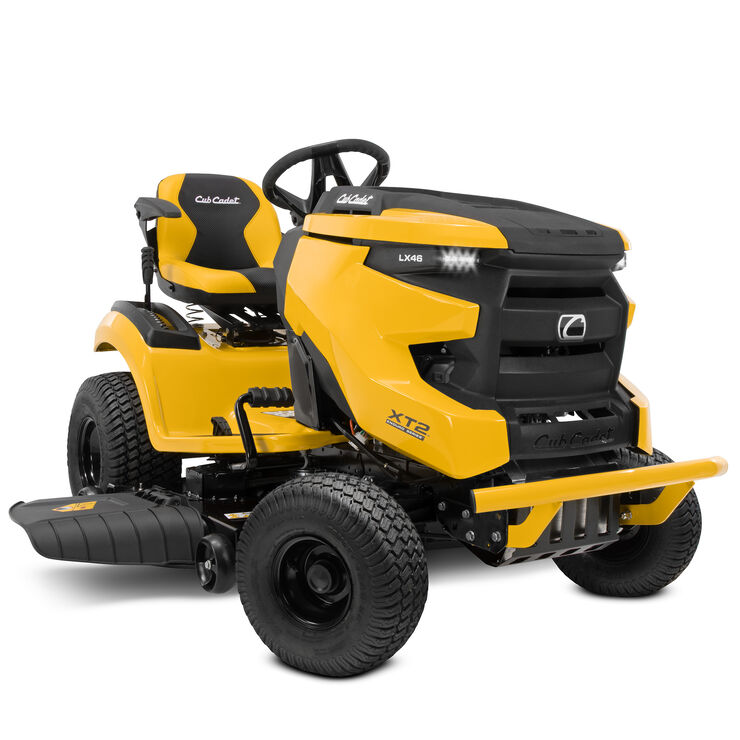 Lawn & Garden Tractors
Cub Cadet® lawn and garden tractors are equipped with cutting systems engineered to deliver strong mowing performance and capable of handling an array of attachments and accessories for year-round versatility and utility.
Shop Lawn & Garden Tractors -
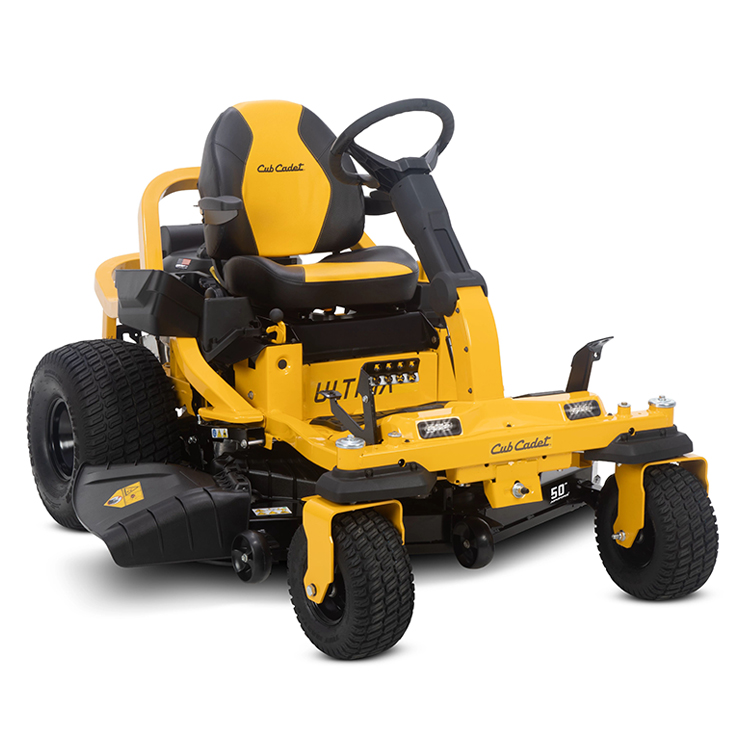 Zero-Turn Mowers
Cub Cadet® zero-turn mowers are engineered to handle a range of terrain with steering wheel options that increase ease.
Shop Zero-Turn Mowers -
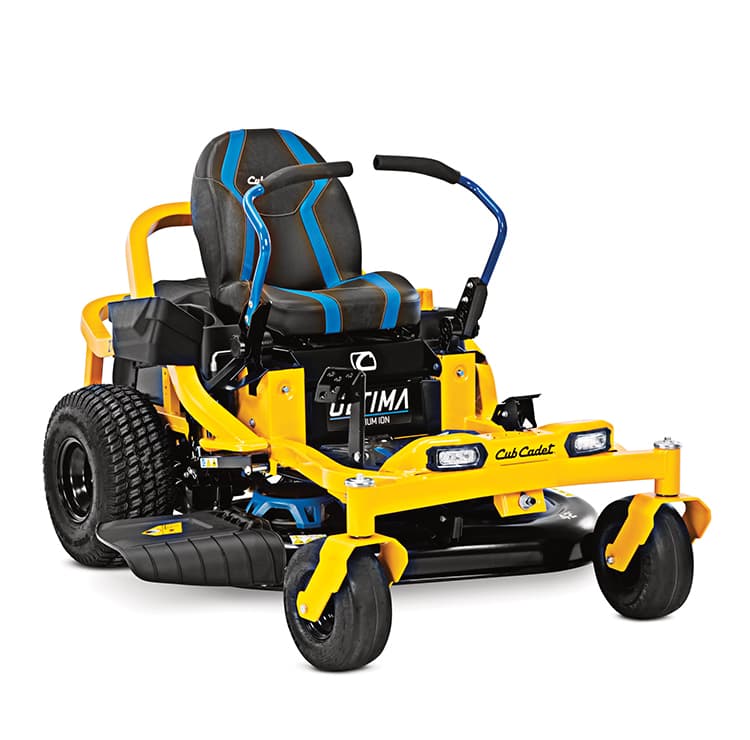 Electric Riding Mowers
Cub Cadet® electric riding mowers combine power with the convenance of lithium-ion battery technology for a quieter mowing experience with less maintenance compared to gas mowers.
Shop Electric Riding Mowers
Great machine
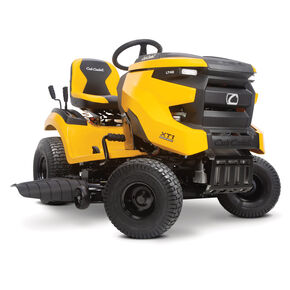
This is a great machine. The motor has plenty of power to get through almost anything and the fabricated deck for just a small amount more over the 46" is definitely worth it.
- Kane B from Michigan
- XT1 LT50 FAB

Shop & Compare Riding Lawn Mowers
SAVE ON SELECT MOWERS FOR A LIMITED TIME. SALE ENDS MAY 18.
You're shopping available inventory from
Vernon Dell Tractor
2871 BROADWAY,
GROVE CITY,
OH
43123

Delivering to:
43215
|
51 Items
You're shopping available inventory from
Vernon Dell Tractor
2871 BROADWAY,
GROVE CITY,
OH
43123
Delivering to:
43215
|
Average Reviews

Series
Cutting Deck Width
Deck Construction
Engine Brand
Engine Displacement


Ship to Home Available

New For 2024
Ship to Home Available
New For 2024

Ship to Home Available
New For 2024

Ship to Home Available

Ship to Home Available
-
Riding Lawn Mower How-Tos and Maintenance
- View All
-
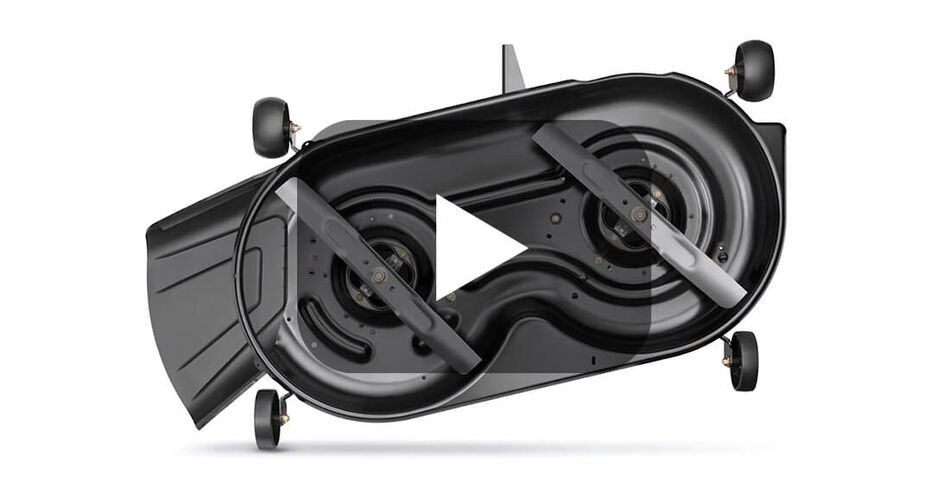 The Difference Between Mulching Blades and High-Lift BladesMower blade terminology can be a little confusing. Local colloquialisms and engineering terminology (such as "3-in-1" or "high-lift") have also contributed to this confusion.Read more
 -
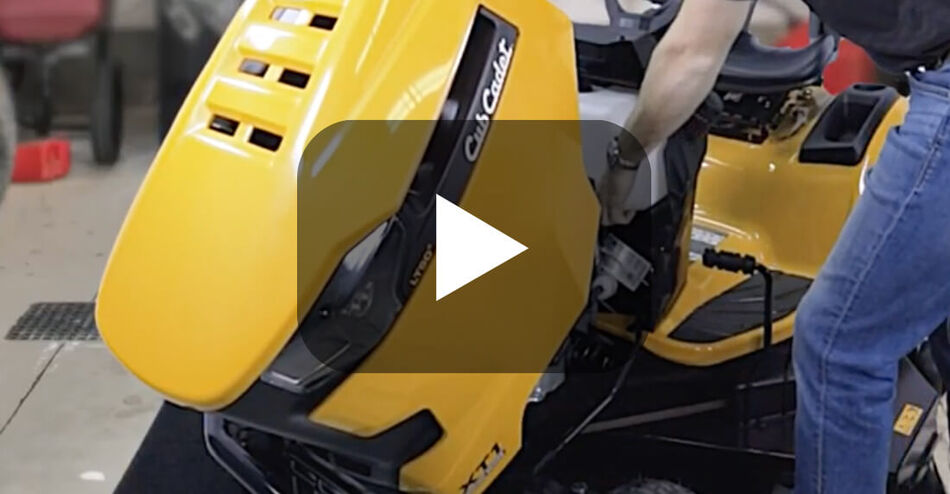 Riding Mower Maintenance Schedule and TipsProper riding lawn mower maintenance will help your machine run well for years. It's not enough to perform maintenance on riding mowers at just the start and end of the season. This riding mower maintenance schedule and checklist will help you know when to change the oil, replace lawn mower blades or just clean the different parts and attachments to extend the life of your mower.Read more
 -
 How To Change the Blades on A Riding MowerOver time, the blades on your riding lawn mower can become worn out, bent or dinged. This gradual damage can reduce the effectiveness of your mower, so be sure to sharpen or replace the blades if you notice these signs of wear. How often you visually check the blades depends on how regularly the mower is used. Check the blades at least twice a year, at the beginning and middle of the mowing season, or more often if you mow year-round. This video will show you how replace the blades on your Cub Cadet riding mower. Depending on your model, the instructions in this video may vary slightly. Always be sure to check your operator's manual for detailed instructions.Read more
 -
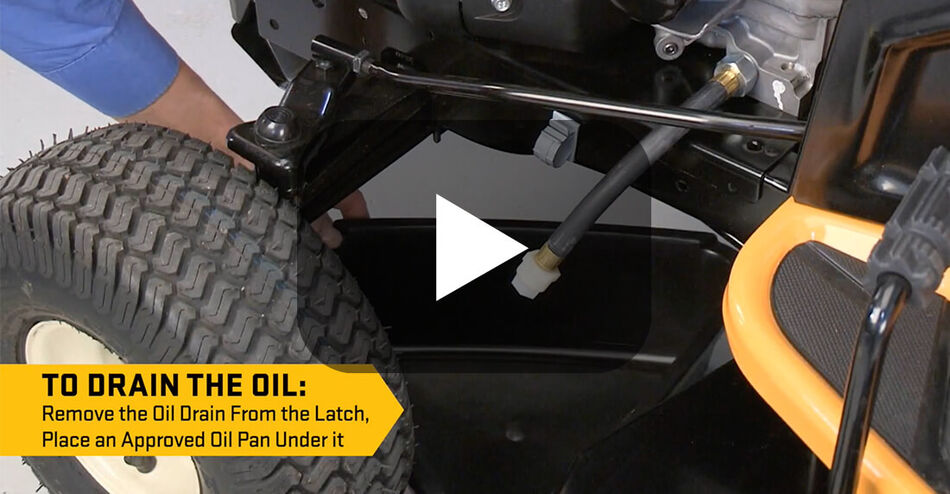 How to Change the Oil in Your Riding MowerRegular oil changes are critical to keeping your riding lawn mower's engine in top shape and prolonging the life of your mower. Watch this video to learn how to change the oil in a Cub Cadet riding lawn mower. Depending on your mower model, the instructions in this video tutorial may vary slightly from the directions in your operator's manual. Always refer to your operator's manual for comprehensive instructions on changing lawn mower oil before getting started.Read more
-
Riding Lawn Mower Attachments & Accessories
- View All


Questions & Answers
Cub Cadet® riding lawn mowers are ideal for large properties because
their powerful engines and big decks allow you to finish the job faster
than a walk-behind mower with a smaller deck size. Matching your lawn
mower to the size of your yard is one of the most important
considerations. Beyond that, consider the terrain type, obstacles, gates
you need to maneuver through, and how much storage space is available.
Our
lawn mower buying guide
goes into more depth on the differences between Cub Cadet lawn mower
options.
Riding lawn mowers are great for larger properties, but because Cub
Cadet® lawn tractors can accept a variety of lawn mower attachments,
there’s no one-size-fits-all model. The ideal lawn mower is the one that
is catered most closely to your yard’s needs. First, consider the size
of the area you need to mow, the type of terrain and the features you
want. Our
lawn mower product finder
guides you step-by-step through all of these considerations to help
narrow down your search. Also, the Cub Cadet
lawn mower buying guide
goes into more depth on the differences between our riding lawn mower
options.
The mowing season starts in the spring for most of the country, so it’s
best to begin your research well before then. While the timing may vary
depending on where you live, allow yourself enough time to compare model
and test drive options at your local
Cub Cadet® dealer
before the mowing season begins.
Cub Cadet® small riding lawn mowers, with their 30-in. deck size, are ideal for smaller properties because
of their compact size. If you’re tight on storage space or have a
smaller gate you need to regularly maneuver through, this model might be
ideal for your needs as it’s designed to fit through most gates. Cub
Cadet® offers two types of small riding lawn mowers: the gas
CC30H
and the electric
CC30E.
Cub Cadet® offers a variety of financing plans depending on your budget
and your purchase minimum.
Click here for
more details.
Once you’ve purchased a Cub Cadet® riding lawn mower, you can register
your machine
here.